
How to use keyboard themes
Follow these steps to install the CoolStyles keyboard theme extension and apply a custom keyboard style in just a few clicks.
-
1
Install the keyboard theme extension
Open your browser extension store and search for Keyboard Themes & Emoji. Click Add to Browser or Install to enable the extension.
Tip: if the extension is not active yet, the button on our keyboard theme gallery will prompt you to install it.
-
2
Browse themes and press Add
Visit the keyboard theme gallery and press Add on any theme you like. The extension will import that theme and make it available in the keyboard theme picker.
Use a theme that fits your mood, your browser aesthetic, or your daily workflow.
-
3
Open the floating keyboard on any website
Once the extension is installed, visit any new web page. A floating keyboard button will appear in the bottom-right corner of your screen.
Click the floating button to open the virtual keyboard, then click into any text input field first so you can see the typing effects while you type.
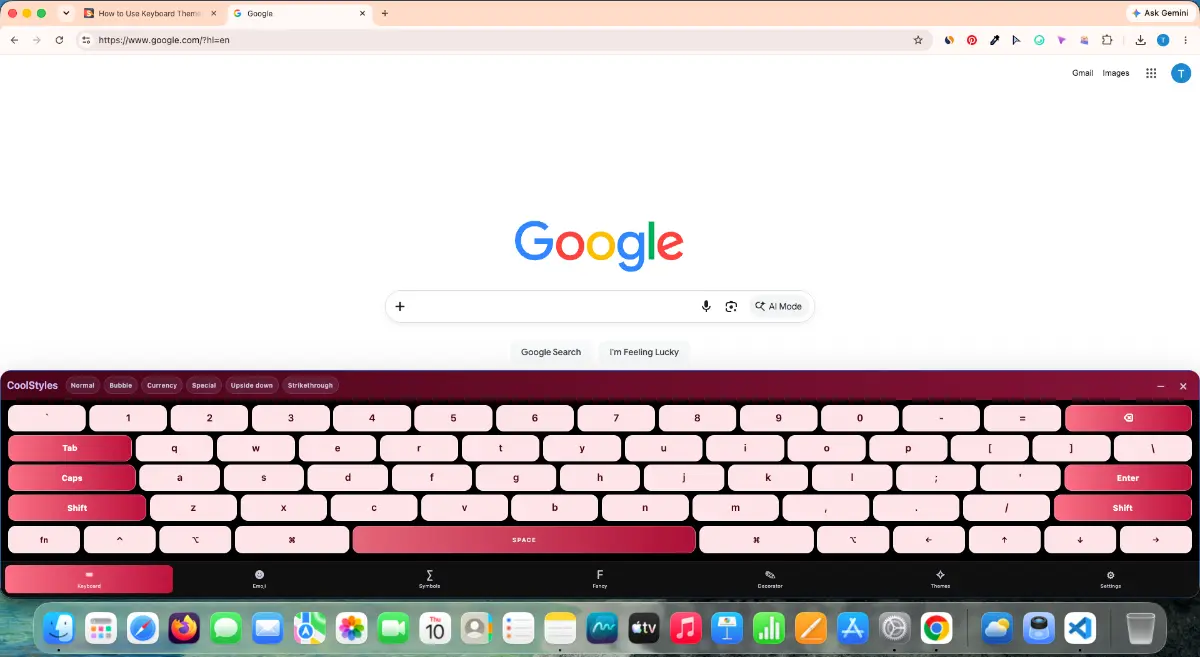
Below are examples of the animated typing effects and keyboard theme interfaces you can choose from:
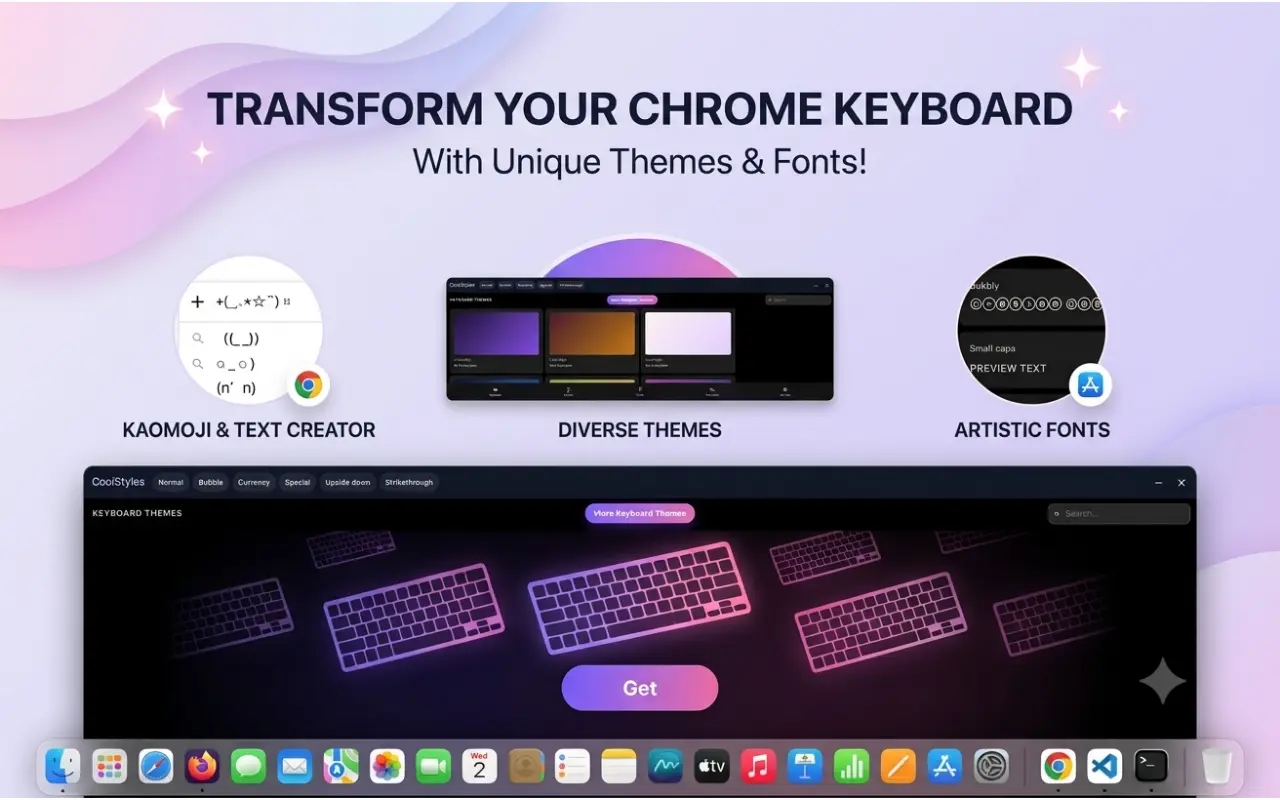
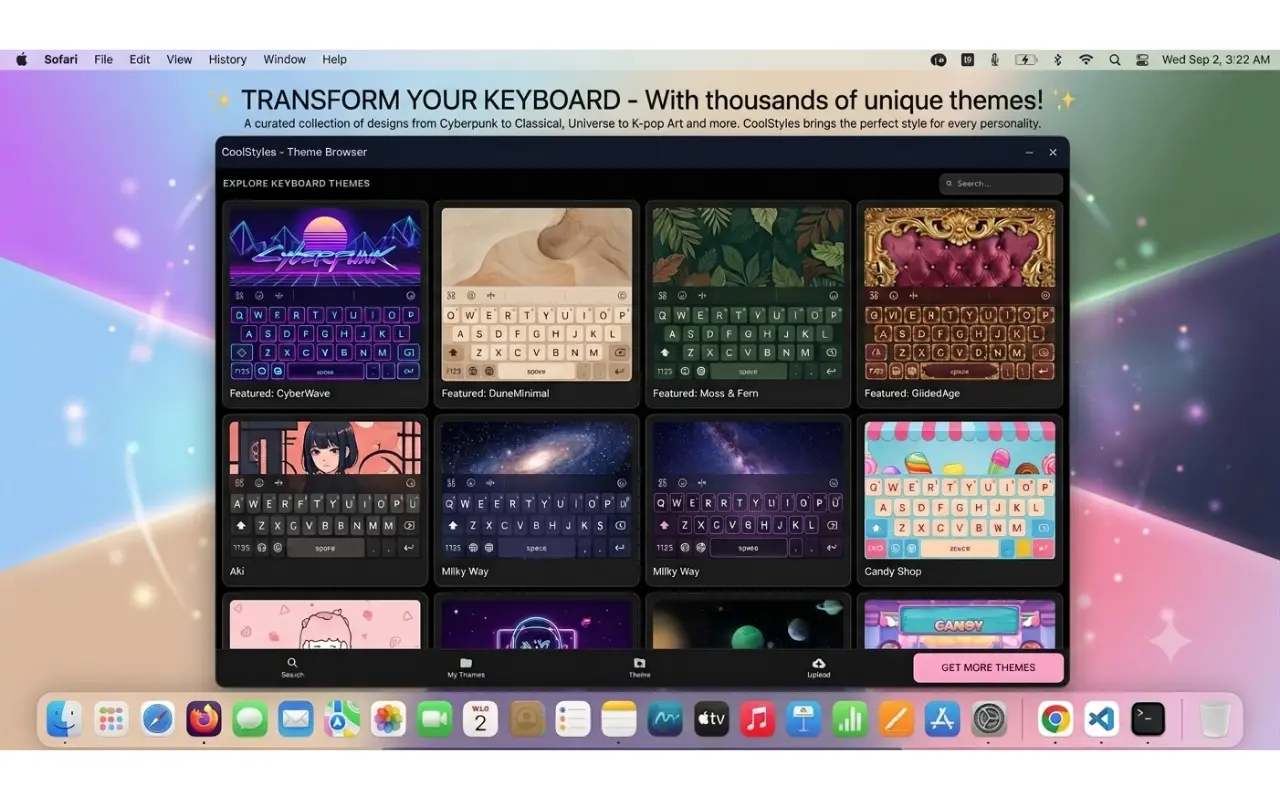
Tip: click inside an input box before typing — that's when the beautiful key-tap effects and animations appear.
-
4
Explore emoji, symbols and special characters
Besides beautiful keyboard themes, the floating keyboard also gives you quick access to a huge collection of emoji, symbols and stylish characters you can insert with a single tap.
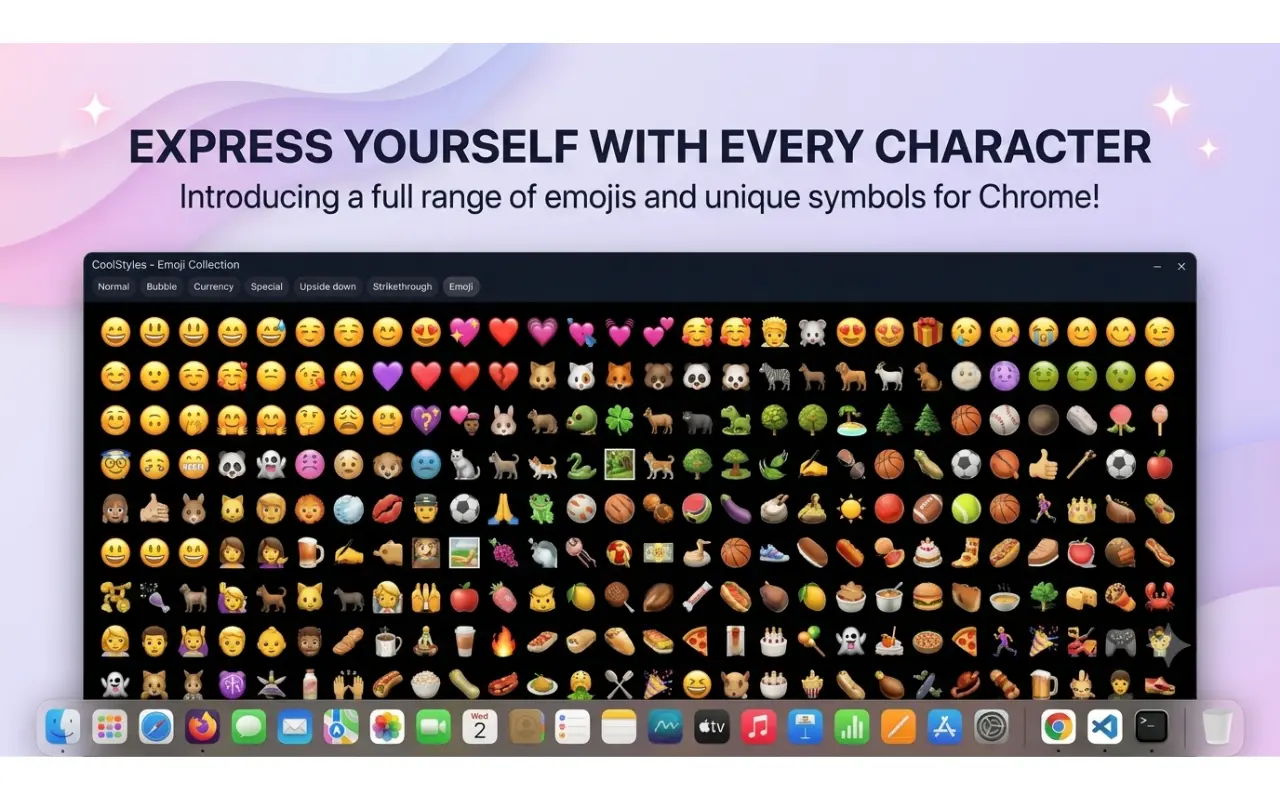
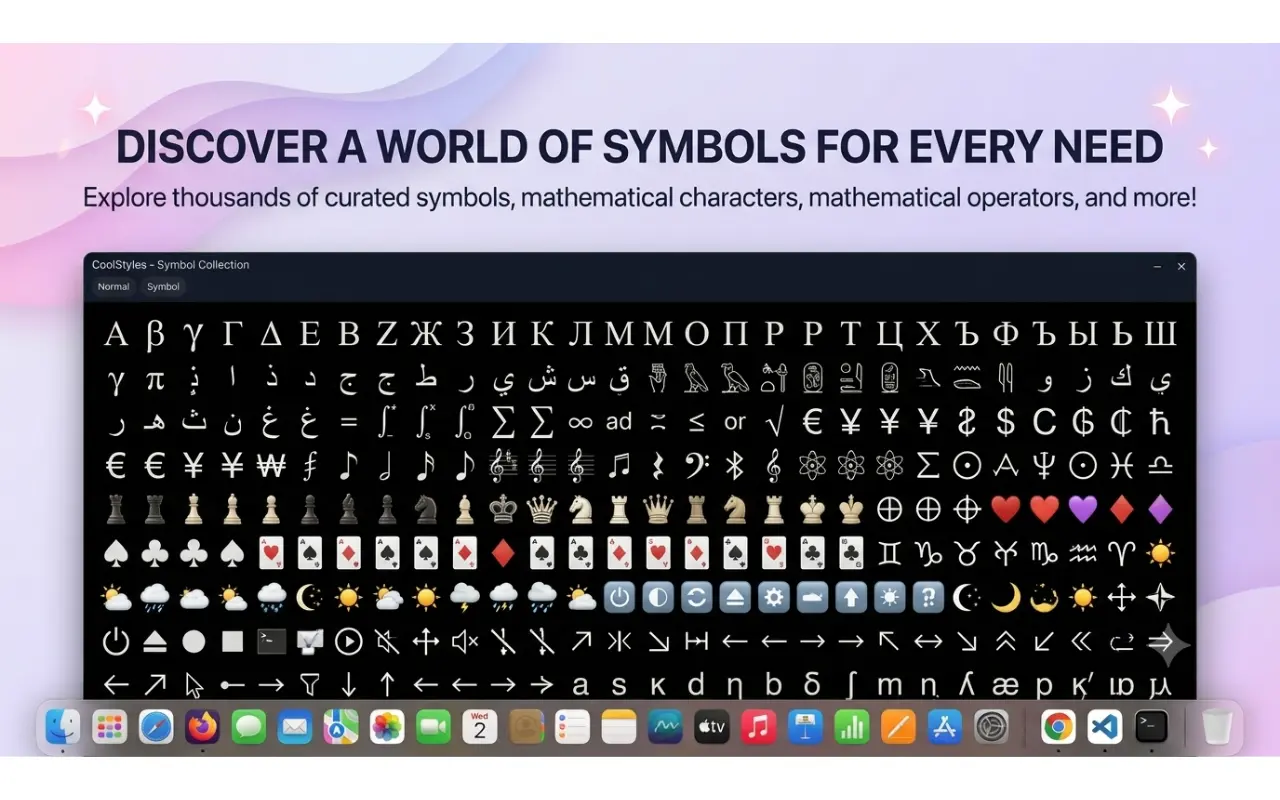
Use these emoji and symbols to make your chats, posts and documents more expressive.
For browser users
Install the keyboard theme extension in your browser, then open the keyboard theme gallery and add the layout you want.
For mobile users
Use the CoolStyles Android app to preview and apply compatible keyboard themes on supported devices.
Some browsers or keyboard apps may limit custom themes based on platform rules. If a theme does not appear immediately, reload the page or reopen the keyboard app to refresh the theme list.